







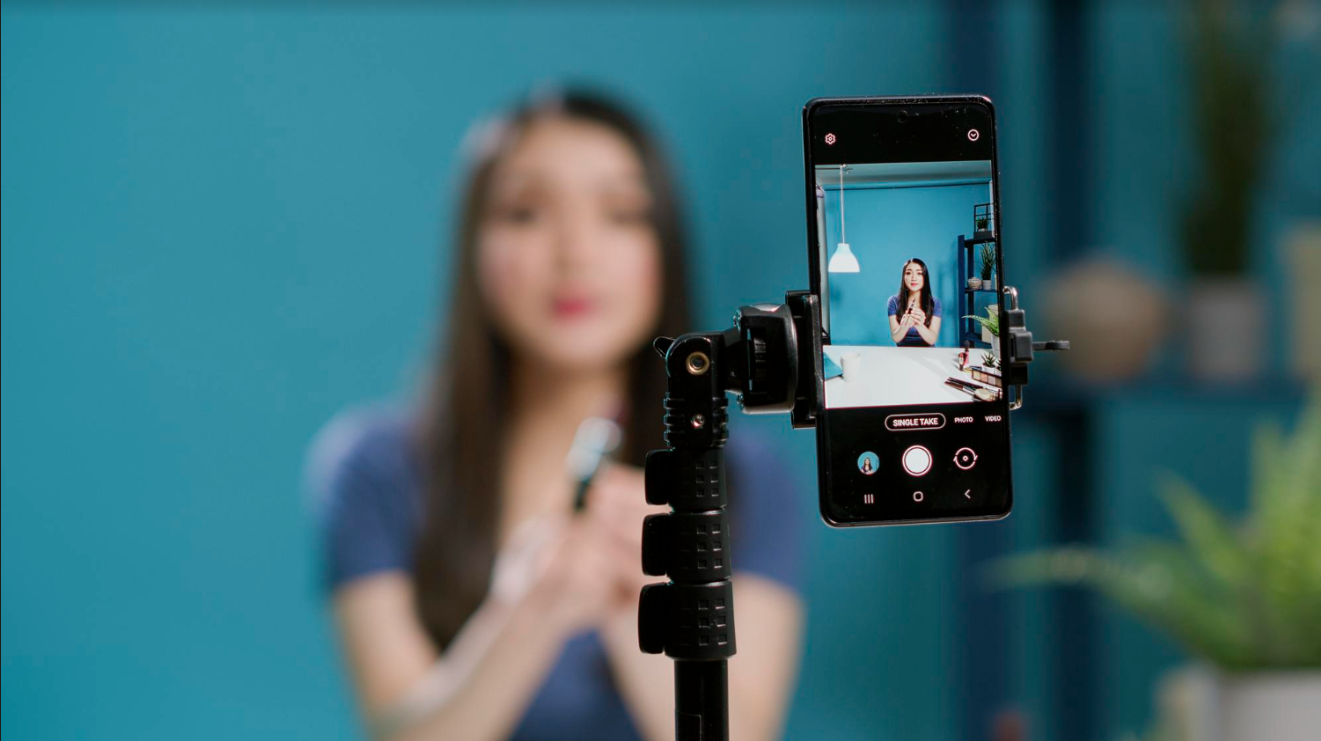
Welcome to the world of mobile video editing! Nowadays, you can turn ordinary footage into extraordinary visual stories using your phone. With the popularity of short videos on social media, having the right video editing app is essential.
In this blog, we’ll explore the power of video editing apps and share simple tips to cut, crop, and enhance your videos. Choose the best app for editing video and get ready to become a video editing pro with just a few taps!
The Magic of Video Editing Apps
Video editing apps have truly brought magic to the world of content creation. These apps allow anyone, regardless of their technical skills, to transform ordinary videos into captivating masterpieces. You can trim, merge, add music, use filters, and create spectacular effects with only a few touches on your smartphone or clicks on your computer. One of the most remarkable features of video editing apps is their user-friendly interfaces. They provide intuitive tools and easy-to-understand options that make the editing process accessible to beginners. To get results that look professional, you don’t have to be a pro.
Additionally, video editing apps enable quick and convenient sharing of your edited videos on various social media platforms. You can instantly showcase your work and receive feedback from friends, family, or even a wider audience.
Editing Apps for Short Videos
If you love creating bite-sized content, use a specialized app for short video. The video editing apps come with ready-to-use templates, cool filters, effects, and a music library. Using only a few taps, you can add trendy transitions, fun stickers, and catchy soundtracks to make your videos stand out.
Choosing the Right App
A dedicated video editing app is your best friend for longer videos or complex projects. These apps offer many features like timeline-based editing, fancy effects, transitions, and audio editing tools that allow you total control to edit your movie in any way. So, whether it’s a travel vlog, a short film, or a family event, the app for editing videos will bring your vision to life.
Essential Video Editing Tips
Now, let’s dive into some simple tips to enhance your editing skills and create impressive videos:
- Plan Your Shots: Consider what you want to capture and how you want to tell your narrative before you begin filming. Planning your shots in advance will save you time during editing and help you achieve the desired result.
- Keep it Short and Engaging: Shorter videos tend to grab attention better. Trim unnecessary footage and keep your edits snappy and engaging. Focus on the key moments that convey your message or story effectively.
- Enhance with Filters and Effects: Try different filters and effects to give your films a distinctive appearance. But remember, less is more! Use them strategically to enhance your footage without overpowering it.
- Use Transitions Wisely: Transitions can add a professional touch to your videos. Use them sparingly and choose subtle transitions that match the mood and content of your video. Avoid flashy or overused transitions that may distract viewers.
- Pay Attention to Sound: Good audio quality is crucial for a great video. Ensure your video’s sound is clear and free from unwanted background noise. You can use a separate microphone or the audio editing tools in your app to improve the sound quality. Adding background music or voiceovers can also enhance the overall impact.
- Add Text and Captions: Using text and captions can be powerful in conveying your message, especially for videos that may play without sound. Use text strategically to provide context, highlight key points, or add subtitles to make your video accessible to a wider audience.
- Experiment with Speed and Time-lapse: Adjusting the speed of your video or creating time-lapse sequences can add a dynamic element to your storytelling. Speeding up certain parts can create excitement, while slowing down specific moments can add emphasis and evoke emotions. Use these techniques to enhance the flow and impact of your video.
- Export in High Quality: Export your video in the highest quality after you’ve finished editing. This ensures your final result maintains its visual integrity and looks great on different devices or platforms. Choose the appropriate export settings in your app for short videos and the platform where you’ll share your video.
Wrapping Up!
With the right video editing app on your phone, you have the power to create stunning videos that captivate your audience. Whether you’re editing longer videos or crafting short clips for social media, the app for editing videos provides you with the tools and features to unleash your creativity and tell compelling visual stories. You may master mobile video editing by paying attention to these easy methods for editing videos.
Hipi, an Indian app recently gaining popularity, is a good option if you’re seeking a short video app. It is an easy-to-use application for both businesses and individuals. So, grab your phone, choose the best video editing app that suits your style, and start editing like a pro. Unleash your creativity, cut, crop, enhance, and watch your videos come to life in ways you never thought possible! Happy editing and happy storytelling!


